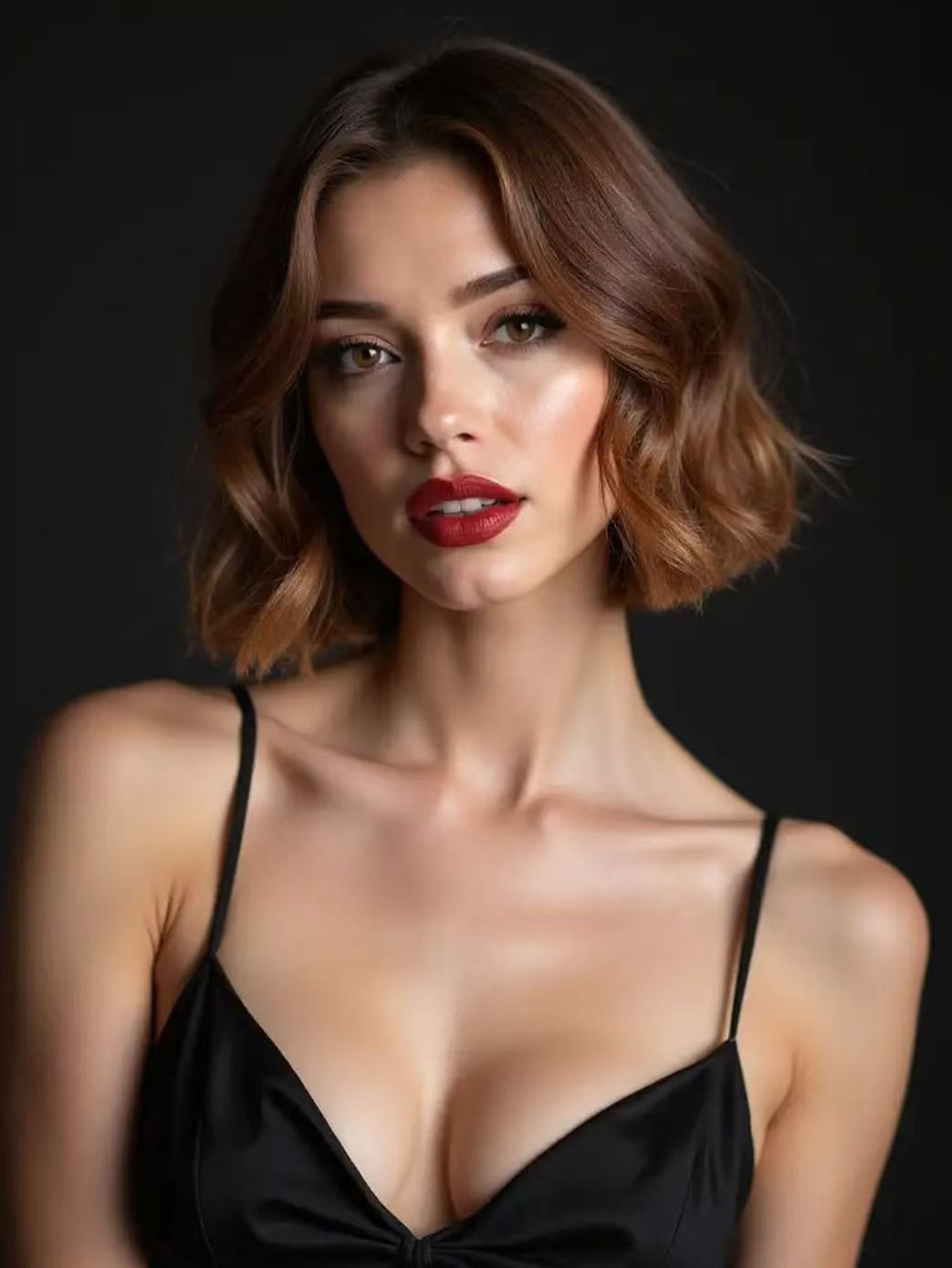
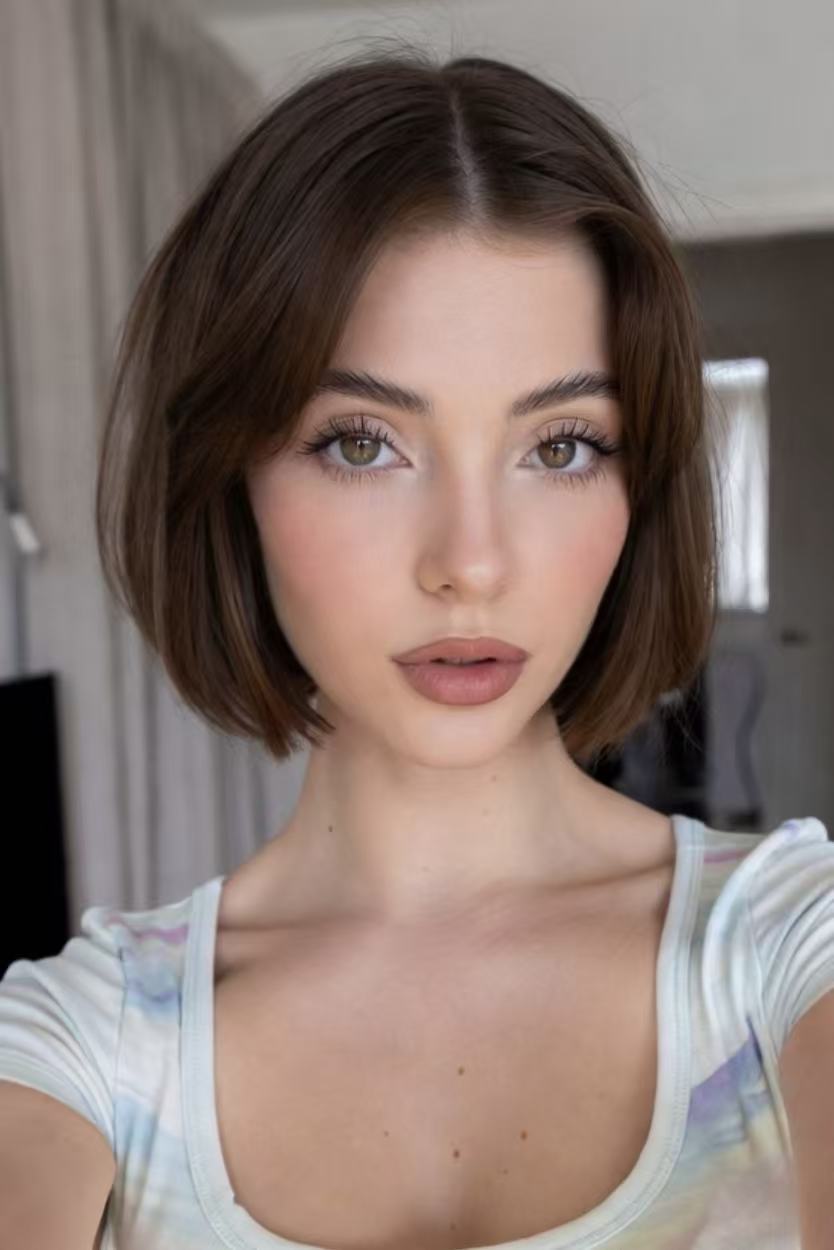
Baroque Bob
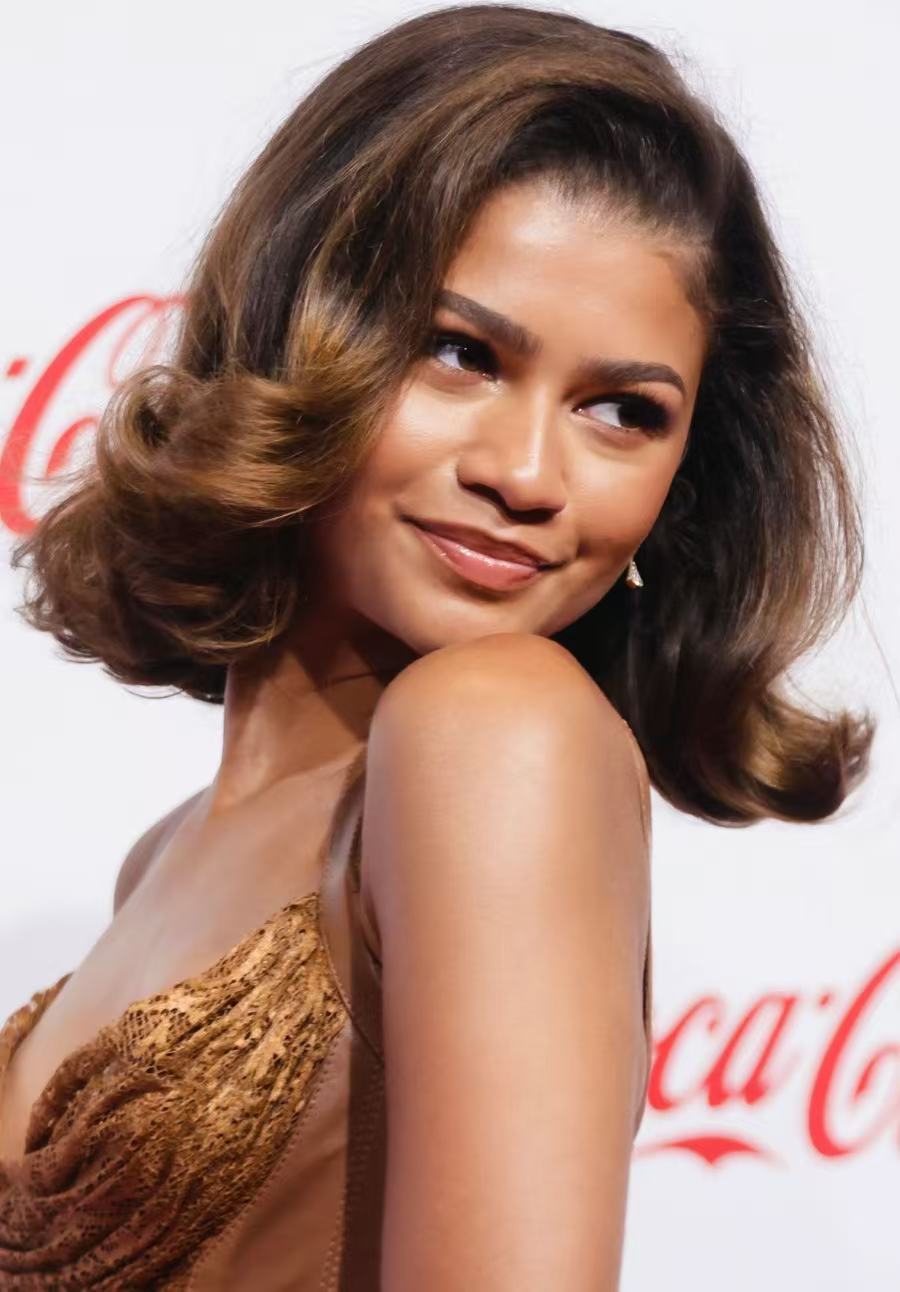
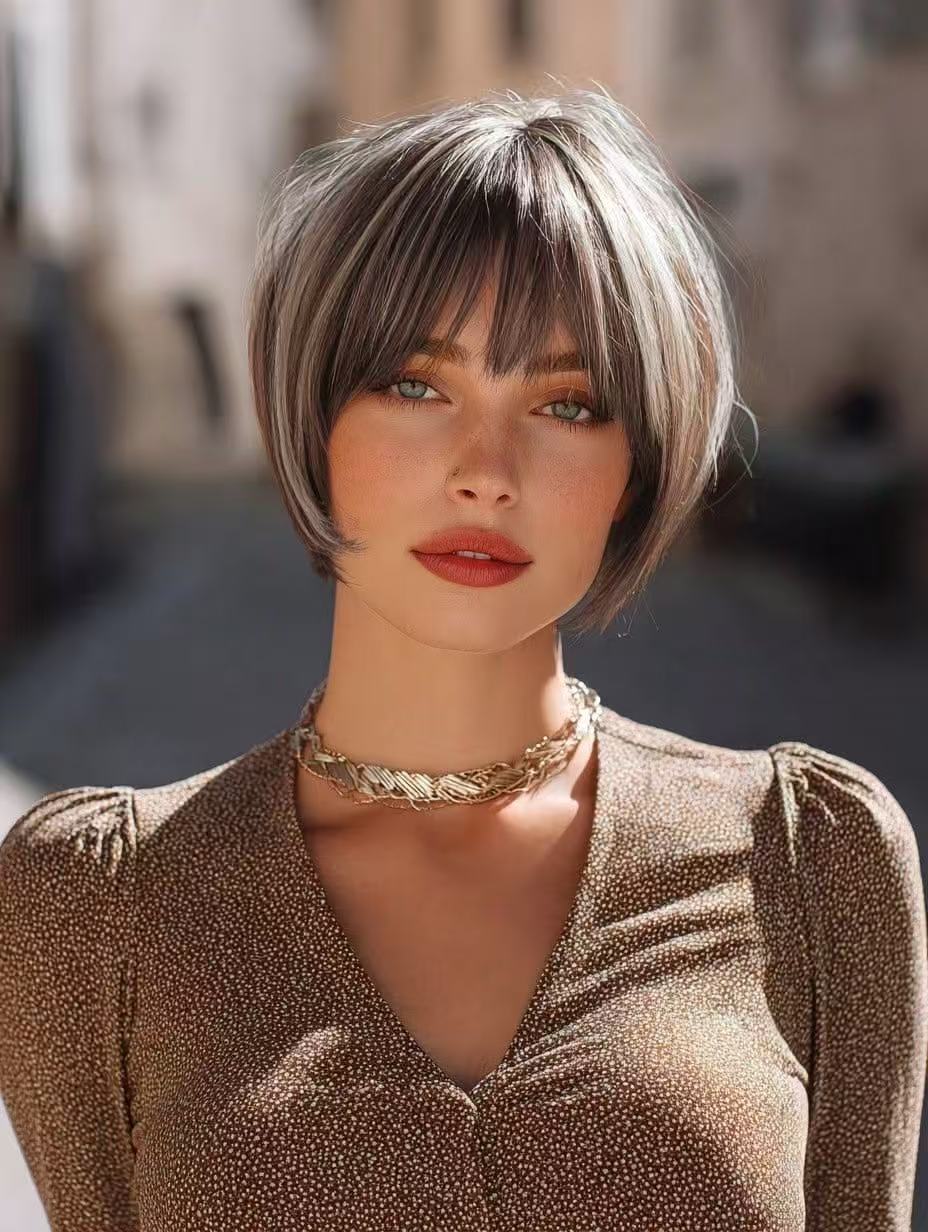
The Baroque Bob is a polished, sculpted take on the classic bob, with soft volume and a refined finish. It works well if you want a short haircut that still feels elegant, shaped, and salon-ready rather than overly casual.
Upload a clear photo to preview a bob haircut on your own face. Compare chin-length, blunt, layered and softly waved bob shapes before deciding how short to cut at the salon.
Your photo is used to generate this preview.
Explore trending bob haircut ideas before using the simulator. Each card links to a detailed style reference on TryHair.ai.
The Baroque Bob is a polished, sculpted take on the classic bob, with soft volume and a refined finish. It works well if you want a short haircut that still feels elegant, shaped, and salon-ready rather than overly casual.
The Short Bob keeps the shape clean and compact, usually sitting above the jaw or around the chin. It is a strong option if you want a fresh, low-bulk haircut that frames the face clearly and feels easy to style day to day.
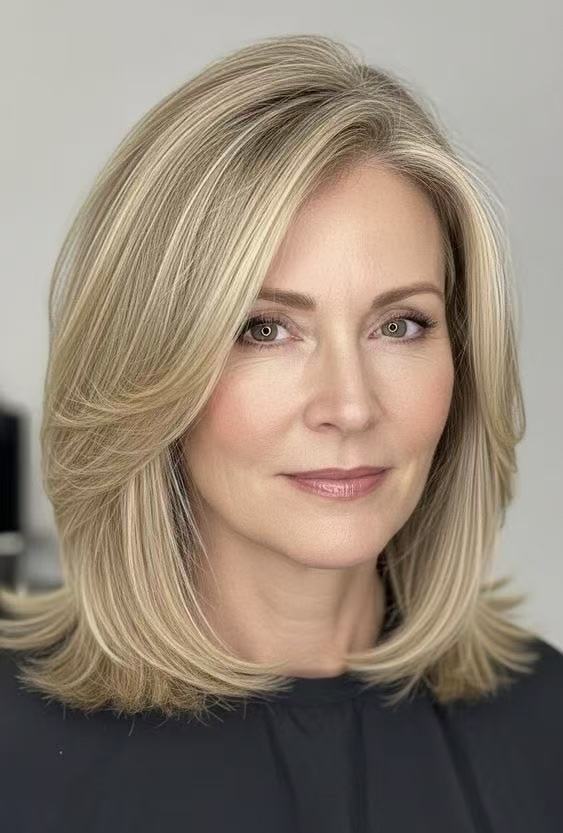
The Layered Lob gives you the feeling of a bob without going extremely short. Face-framing layers add movement around the cheekbones and jaw, making it a safer first step if you want a softer, more flexible bob haircut.
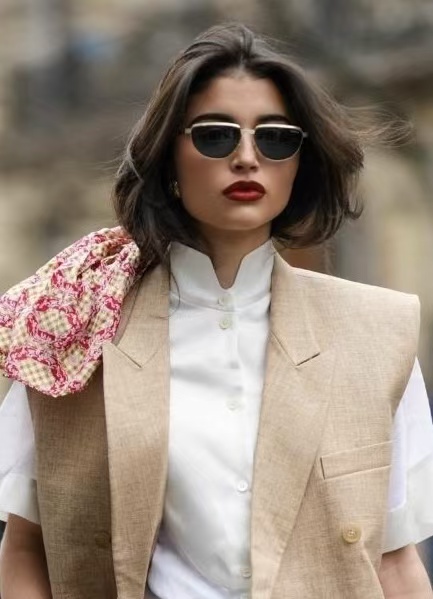
The Riviera Bob has a breezy, relaxed finish that feels polished without looking stiff. It is especially flattering if you like soft texture, easy movement, and a vacation-inspired bob that still looks chic in everyday settings.
The 90s Bob brings back bounce, rounded shape, and a smooth, polished finish. It is a great reference if you want a bob that feels a little glamorous, frames the face, and has more lift than a flat blunt cut.
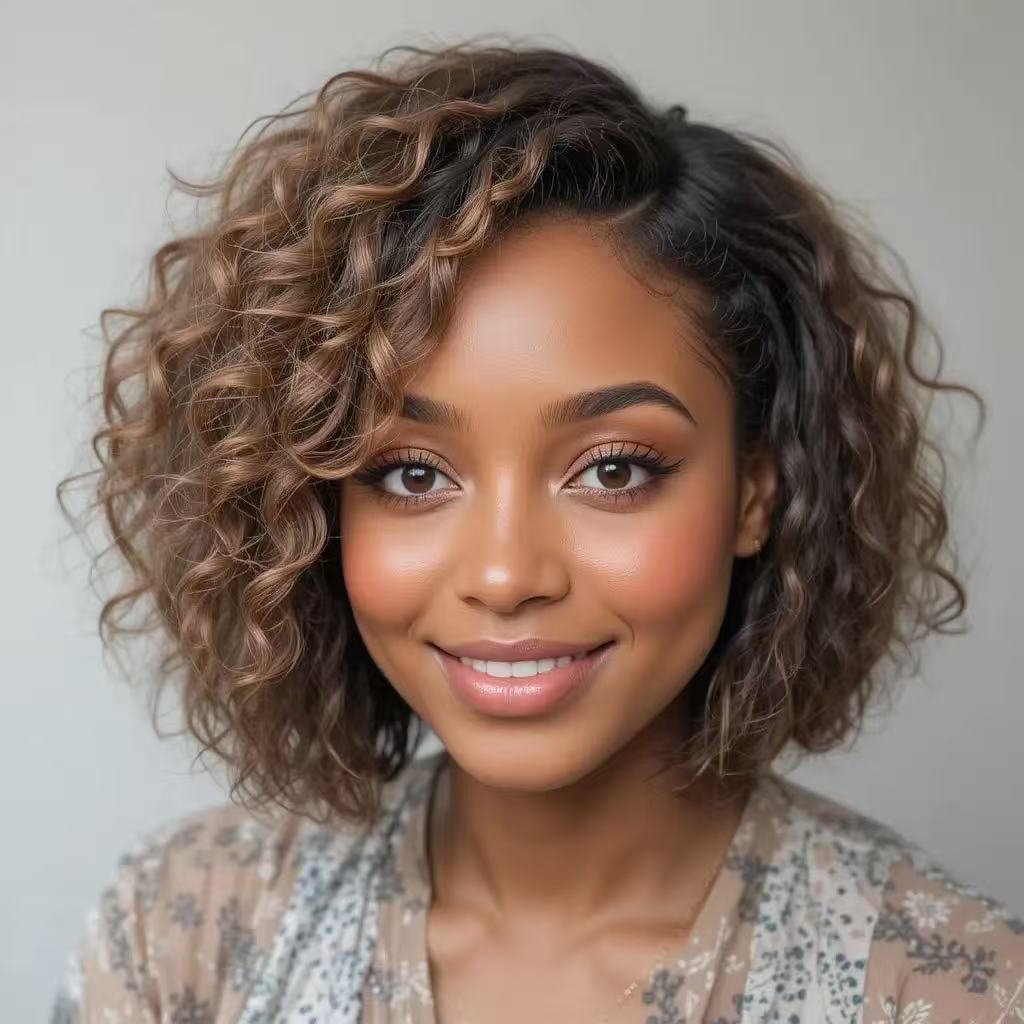
The Textured Afro Bob celebrates natural volume with a rounded, balanced silhouette. It is ideal for seeing how a bob shape can work with curls, coils, and fuller texture while keeping the overall look defined and expressive.
The French Crop Bob is short, chic, and intentionally simple, with a cropped structure that gives the face a strong frame. It suits users who want a stylish bob with attitude, minimal length, and a fashion-forward feel.
The Jawline Bob sits close to the jaw for a crisp, modern outline. It can make the face look more defined and is a strong choice if you want a precise bob haircut with clean edges and a confident shape.
Bob haircuts are flexible, but the best version depends on your face shape, hair texture, and the amount of daily styling you want.
Try longer bobs, face-framing layers, or styles with volume near the crown.
Soft waves, textured ends, and side parts can help balance a stronger jawline.
A blunt or jawline bob can make the shape look fuller and more defined.
Layered bobs and lobs can remove bulk while keeping movement.
Use the simulator as a visual starting point, then bring reference images to your stylist.
Small length changes can make a bob feel soft, bold, classic, or dramatic.
Some bob cuts air-dry easily, while polished blunt shapes may need heat styling.
A lob, jawline bob, cropped bob, and textured bob can create very different effects.
Yes. Upload a clear photo and the AI bob cut simulator will generate a virtual bob haircut preview on your own image. It is designed to help you see how a shorter shape, jawline length, or cropped bob could frame your face before you decide whether to visit a salon.
This page lets you create a bob haircut preview. If you want to try more hairstyles, hair colors, bangs, or premium looks, you can continue to the full TryHair.ai hairstyle tool after generating your result.
Use a front-facing photo with good lighting, visible hair, and a clear view of your face shape. Avoid hats, heavy shadows, sunglasses, strong filters, or photos where the sides of your hair are hidden, because those can make the bob preview less accurate.
Yes. After generating your bob result, use the Try More Hairstyles button to explore additional haircut and hair color ideas. This is useful if you want to compare a bob with a lob, pixie, layered cut, bangs, or a different color before choosing a final direction.
The result is an AI preview for visual reference, not a guaranteed salon outcome. Real haircuts can vary based on your natural texture, density, growth pattern, styling routine, and stylist. Use the preview as a helpful starting point and bring reference images when discussing the final cut.
Many face shapes can wear a bob, but the most flattering version depends on length and styling. Round faces often benefit from longer bobs or face-framing layers, square faces may prefer soft waves or textured ends, and oval faces can usually try many bob variations. The simulator helps you compare the visual effect before cutting your hair.
Your photo is used to generate the hairstyle preview. For the safest experience, upload only a photo you are comfortable using for AI processing, and review the TryHair.ai privacy policy if you want more detail about how uploaded images and generated results are handled.
Compare more hairstyles on your own photo before choosing your next look. For a data-backed comparison, explore our 2026 women’s hairstyle trends report.