


Help turn interest into sales
Let shoppers see how your wigs could look on them, helping them move from “Will it suit me?” to choosing a style they want to buy.
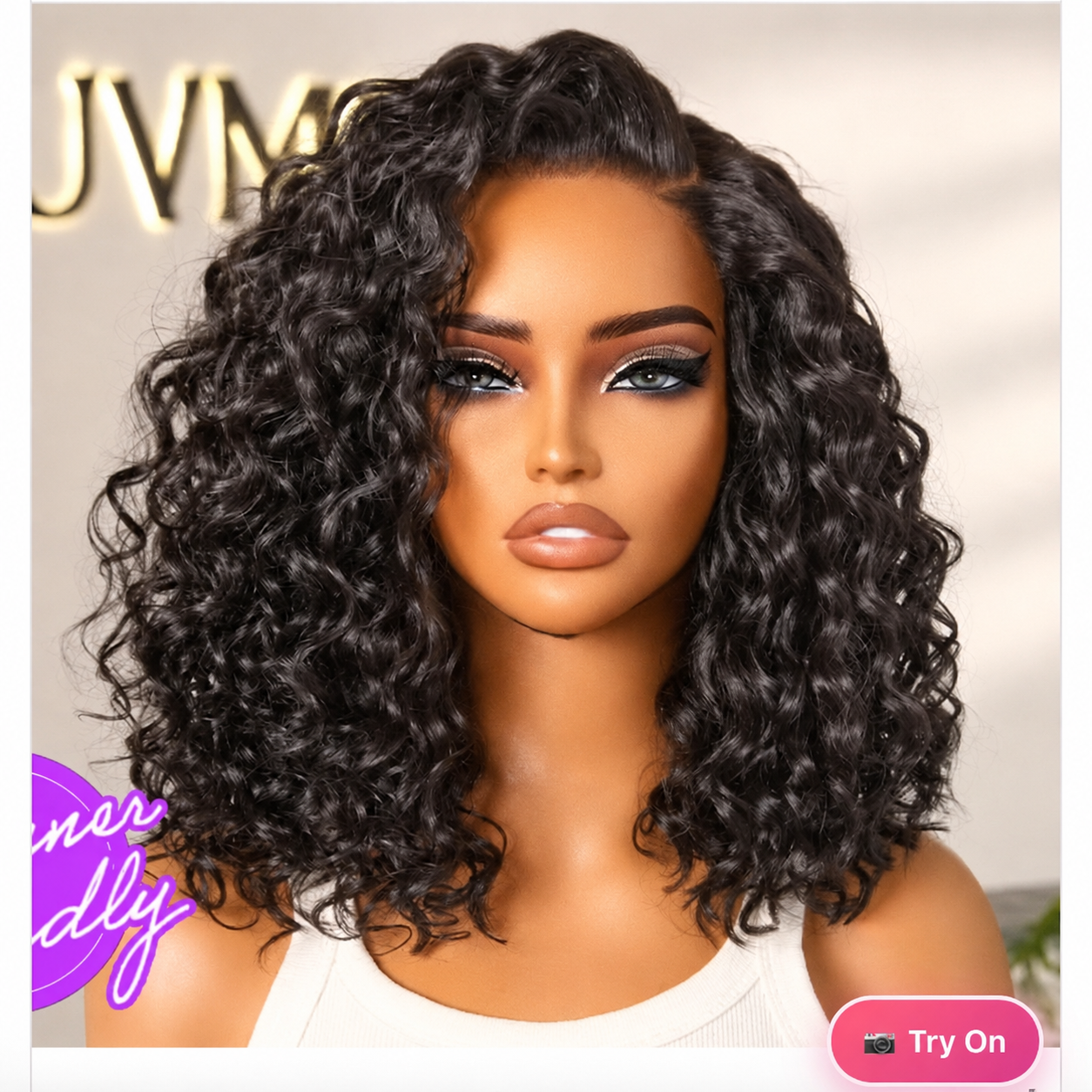
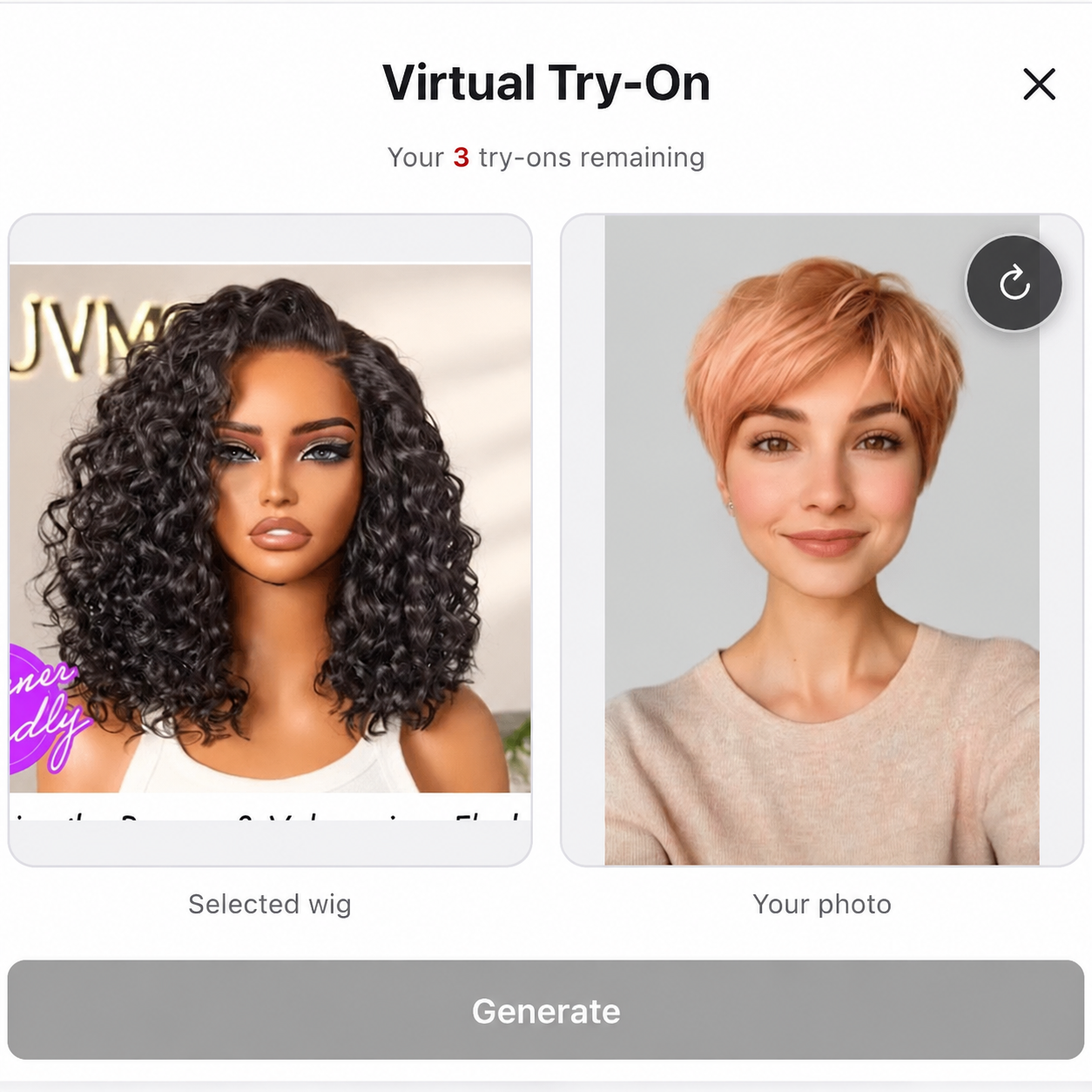
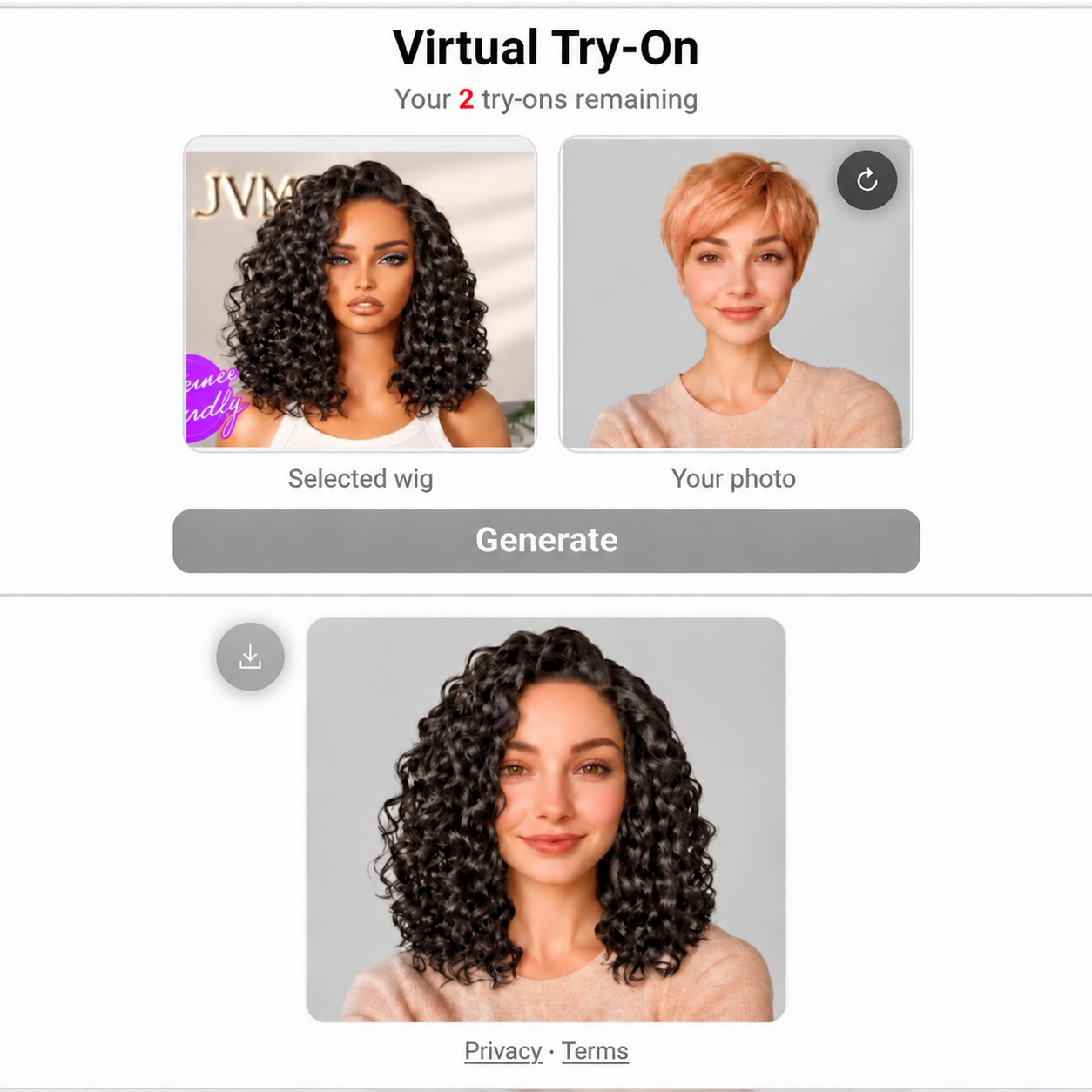
Add a virtual fitting experience to your Shopify, WooCommerce, Wix, or Wix Headless storefront. Shoppers can upload one photo, explore your wig styles, and choose with more confidence.
Built for your business
Help shoppers feel ready to buy, set clearer expectations, and give them more reasons to explore your store.
Let shoppers see how your wigs could look on them, helping them move from “Will it suit me?” to choosing a style they want to buy.
Give shoppers a personal preview before checkout to help reduce returns and refund requests driven by a style that looks different than expected.
Turn browsing into an interactive experience that encourages shoppers to compare more styles, explore your collection, and spend more time in your store.
Why TryHair
A focused experience that helps shoppers understand how a style may look before making a purchase decision.
Help shoppers visualize a style instead of relying on product photography alone.
Add an interactive experience directly to the storefront journey.
Let customers explore multiple wig styles using a single uploaded photo.
Interactive examples
Open a real product-page example and see how TryHair fits into different wig-store experiences.
Simple setup
This video shows Shopify setup. For WooCommerce or Wix Editor / Studio, choose the matching installation card above. For Wix Headless, follow the Headless setup guide; a developer needs to integrate your shared product-page template once.
Open the TryHair listing and add the app to your store.
Choose where the Try On experience appears on your product page.
Save your theme changes and let shoppers start exploring.