Connect from WooCommerce
Verify the store from its own administrator dashboard, without entering a manual connection code.
WooCommerce · independent cloud integration
Let shoppers preview a wig with their own photo, directly on an enabled WooCommerce product page.
Select a product image, upload a front-facing photo and generate an AI preview that can be downloaded.
See the walkthroughInstallation guide →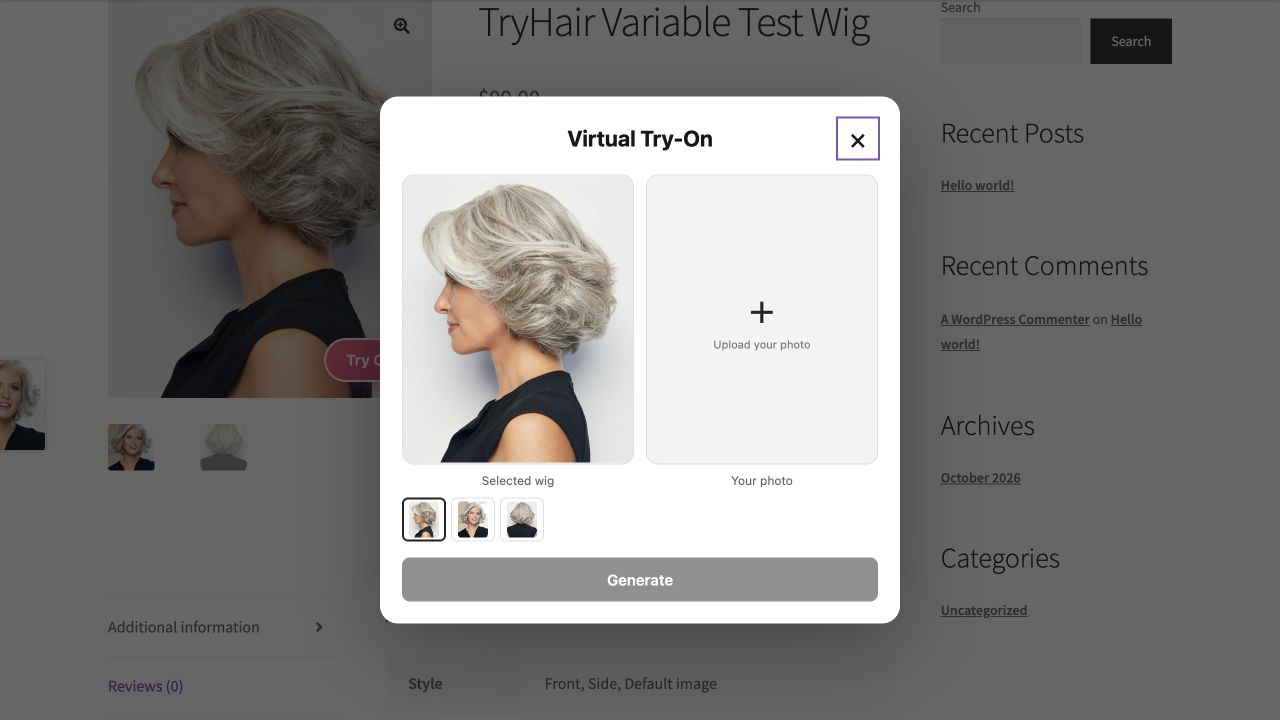
Verify the store from its own administrator dashboard, without entering a manual connection code.
See successful usage, remaining credits, in-progress reservations and the next allowance refresh.
Usage is recorded by the server after validating the generated image. Failed image validation or generation does not consume a successful try-on.
Reconnecting preserves the existing store identity and usage. A copied site does not automatically receive new Free credits.
AI previews are illustrative. They do not guarantee exact fit, shade, texture, density or the appearance of a physical wig. No conversion or returns improvement is promised.